
Summer scheduling sends admin into overdrive fast. One last-minute booking tweak can ripple through registers, staffing, payments, and parent messages—turning calm planning into chaos. Childcare scheduling software built for wraparound care keeps everything in sync, so your bookings, registers, payments, and communication flow smoothly as demand rises. Keep reading to see how one system can take the pressure off your summer prep and keep you ready for the rush. For more details, check out this link.
Simplifying Summer Scheduling
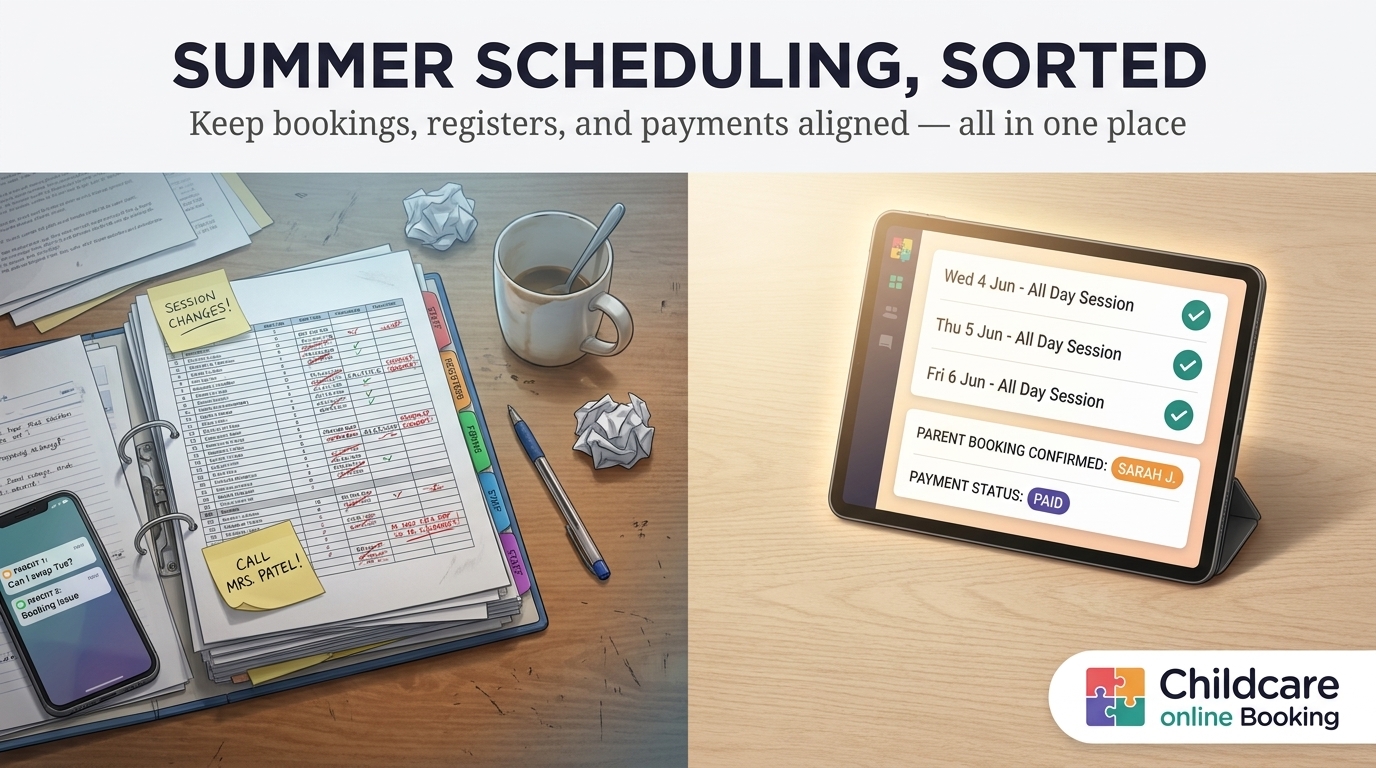
Summer scheduling can feel like a juggling act. As bookings increase, the need to keep everything organised becomes crucial. Let’s explore how you can simplify this process.
Challenges of Summer Prep
Getting ready for summer is no small feat. The demands seem to grow overnight.
-
Booking Changes: A single change can disrupt everything from staff schedules to payment records.
-
Communication Overload: Keeping parents updated while managing bookings is a challenge.
-
Manual Processes: These can slow down operations and increase the chance of errors.
These challenges highlight the need for a streamlined approach. Without one, the summer rush can quickly lead to burnout.
The Benefits of One System
Imagine a system that takes the chaos out of summer scheduling. Here’s what happens when you have one:
-
Unified Platform: Bookings, registers, and payments all in one place.
-
Real-Time Updates: Stay informed without extra effort.
-
Improved Planning: Easily manage staffing needs and communication.
This approach not only saves time but also allows you to focus on providing quality care.
Key Features of CoB
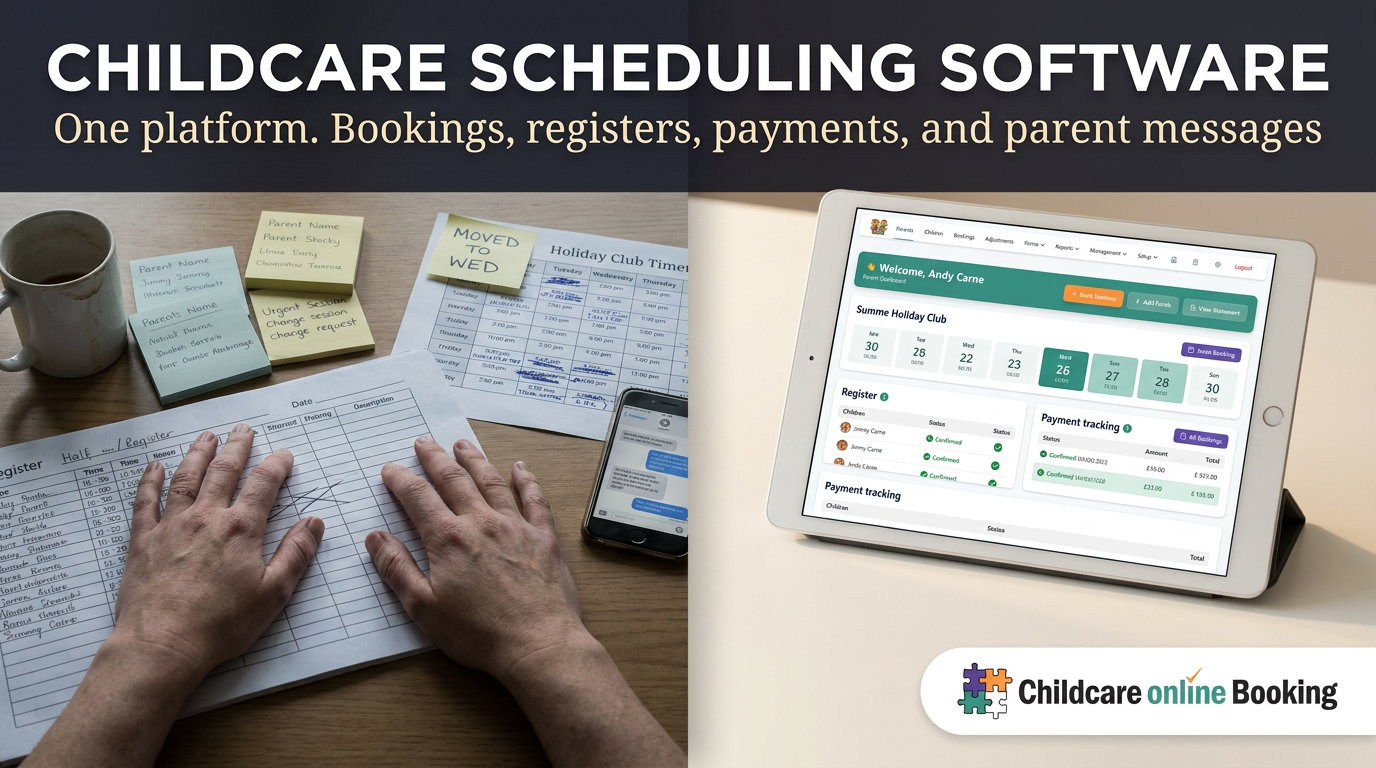
CoB offers features designed to address these challenges directly. Let’s take a closer look at how they help.
Aligning Bookings and Registers
Booking and register management is a breeze with CoB.
-
Automatic Updates: Changes in bookings instantly reflect in registers.
-
Access Anytime: Both staff and parents can view the latest schedules.
-
Example: If a parent books a session, the register updates automatically. No need for manual entries.
With CoB, you can ensure everyone is on the same page, reducing the hassle of tracking down information.
Streamlining Payments and Communication
Handling payments and keeping parents informed is simpler with CoB.
-
Automated Invoicing: No more chasing payments; invoices go out on time.
-
Clear Communication: Notify parents of updates with ease.
-
Example: Parents receive a notification when their payment is processed, providing peace of mind.
This system not only makes operations smoother but also enhances the parent experience.
Transitioning to CoB
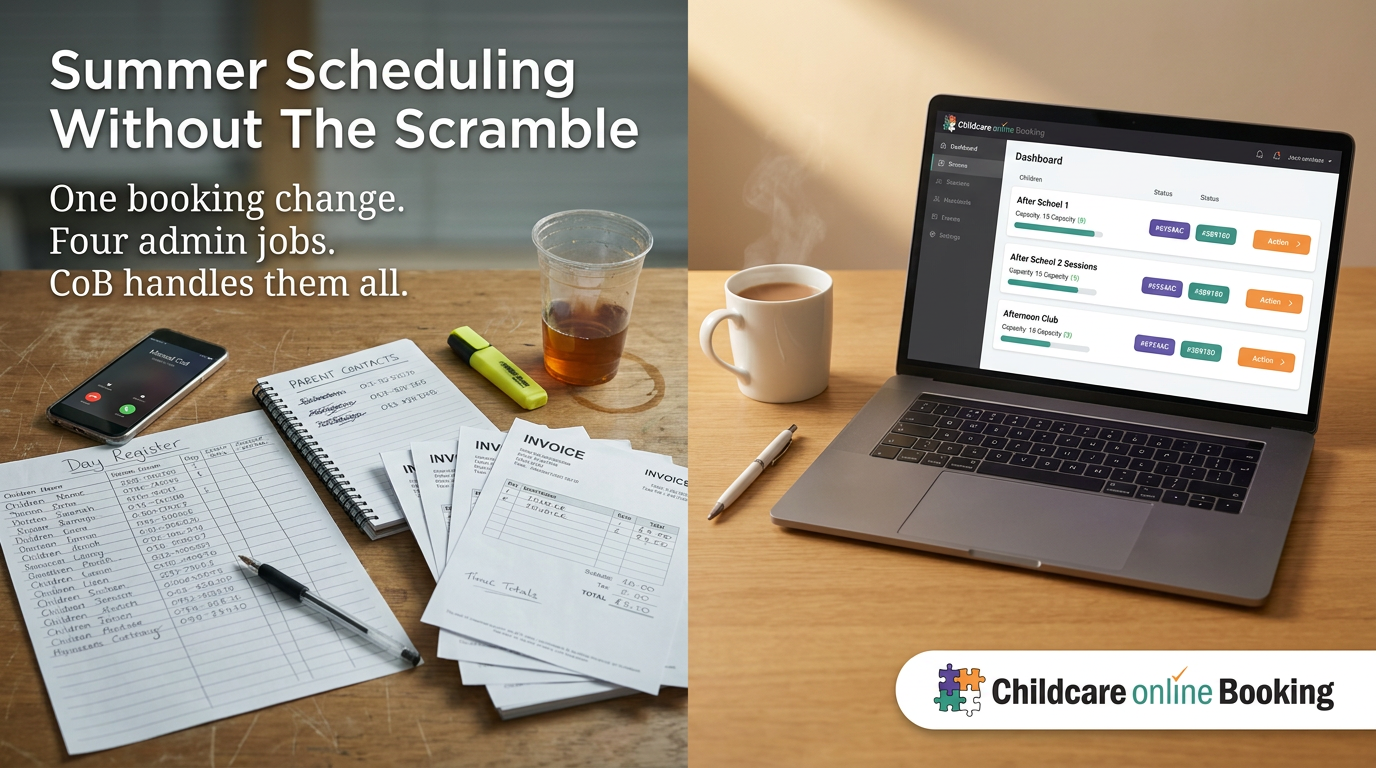
Moving to a new system might seem daunting, but the transition to CoB is straightforward.
Steps to Get Started
Here’s how you can make the switch:
-
Sign Up: Start with a simple registration.
-
Set Up Your Profile: Tailor the system to your club’s needs.
-
Import Data: Bring over existing bookings and records.
-
Train Staff: Use provided resources to ensure everyone’s ready.
These steps ensure a smooth transition without disrupting your current operations.
Support and Resources Available
Support is always at hand with CoB.
-
Comprehensive Resources: Guides and tutorials are available for every feature.
-
Dedicated Support Team: Reach out anytime for personalised help.
-
Community Feedback: Learn from other users’ experiences.
These resources make sure you’re never left in the dark when using CoB.
By choosing CoB, you’re setting up your club for a stress-free summer, with everything you need in one place. For more details, check out this link.