
We have now launched a new module that covers safeguarding, having discussed it with several clubs and a nominated OFSTED Inspector. You will find a new menu option for safeguarding that allows you to record a safeguarding incident that will then be displayed within a new widget on the dashboard, whilst the incident remains open.
A new report has also been added to the system, allowing you to report on and export incident reports for your inspections. As part of this update, we've added staff set-up that is used in conjuction with the safeguarding module.
In order to setup a Safeguarding report you must predefine staff members and incident categories, with this setup and the simple parent search functionality incident reports can be created quickly and accurately.
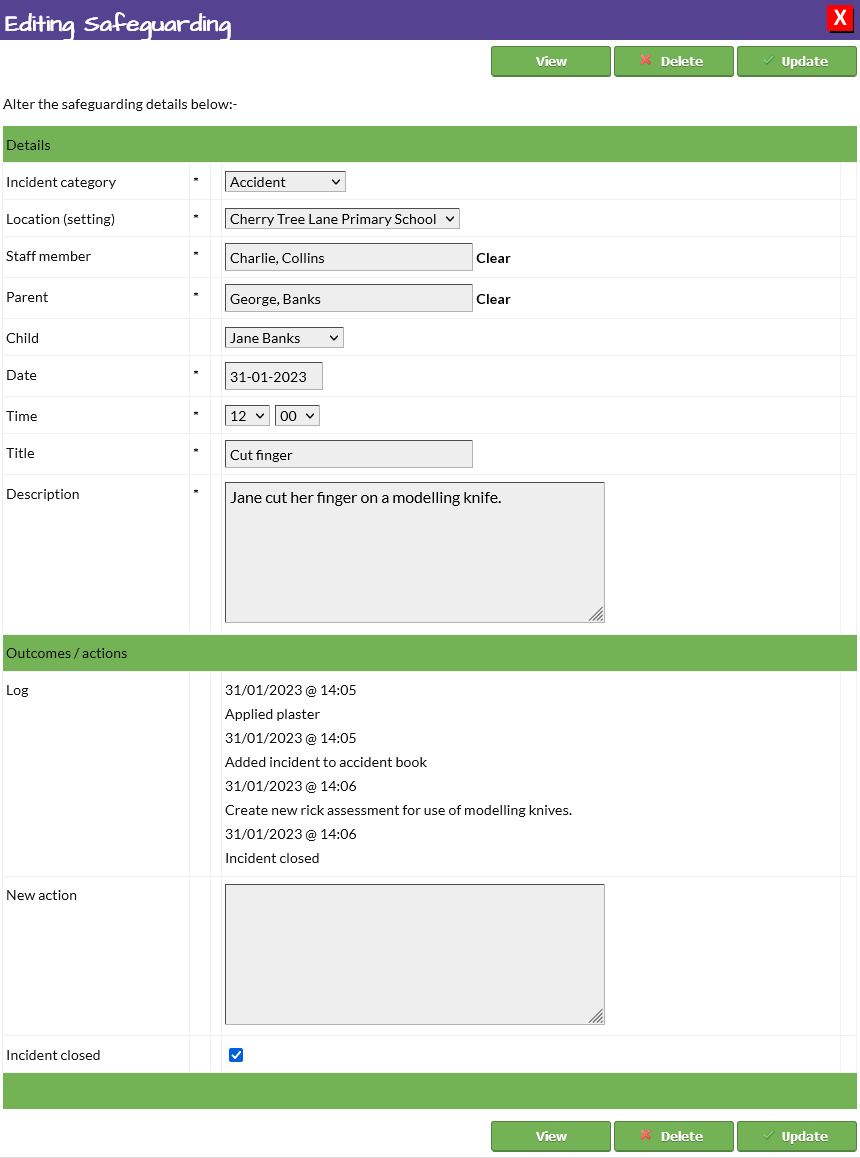


How to setup Safeguarding Reporting
See how CoB could work for your setting
Explore the complete booking and childcare management platform with a free 30-day demo tailored to your provision.
Start Your Free Demo