
Do you offer childcare at a location separate from the school?
Do you provide transport from the school to your childcare location?
Our Walking Bus feature is designed to streamline this process. It allows you to set a maximum capacity for spaces on the bus. The system automatically checks for availability on both the bus and the childcare session, ensuring everything runs smoothly. Additionally, Walking Bus registers are generated, enabling you to easily keep track of all the children during transit.
Set-up your schools
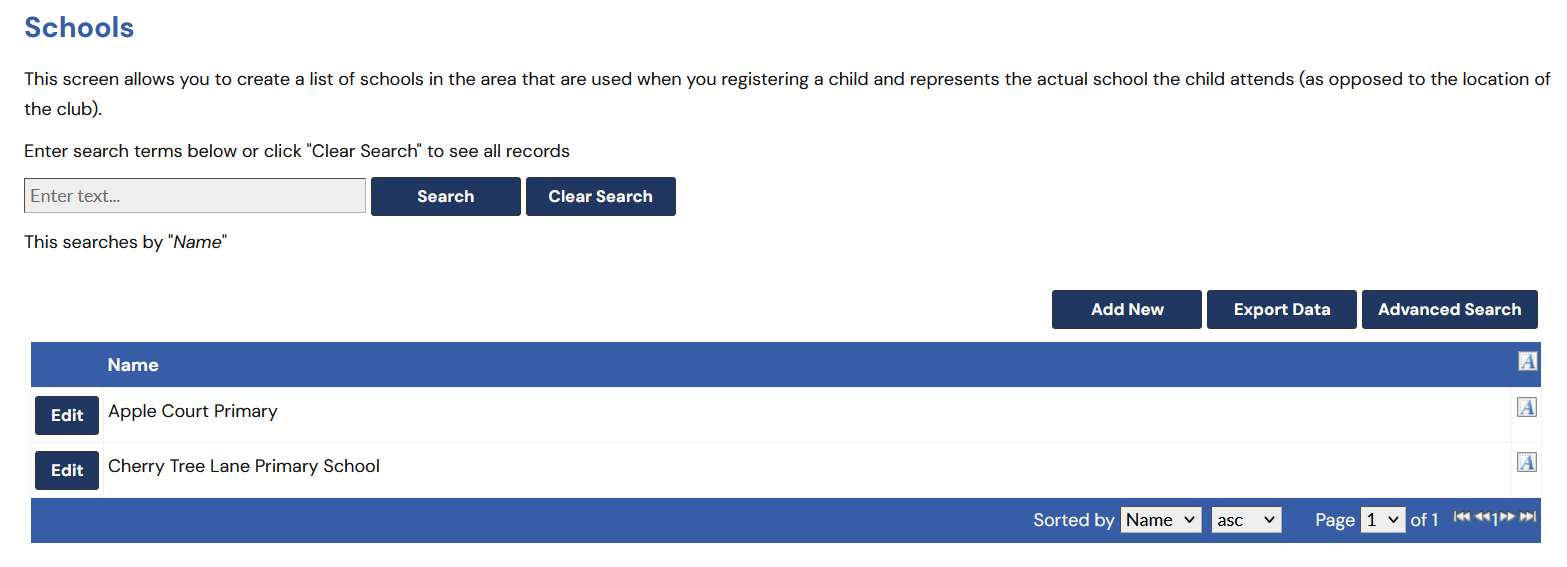
Firstly, make sure all your schools have been added to the system, under Set-ups >> Schools.
Set-up your club and bus round
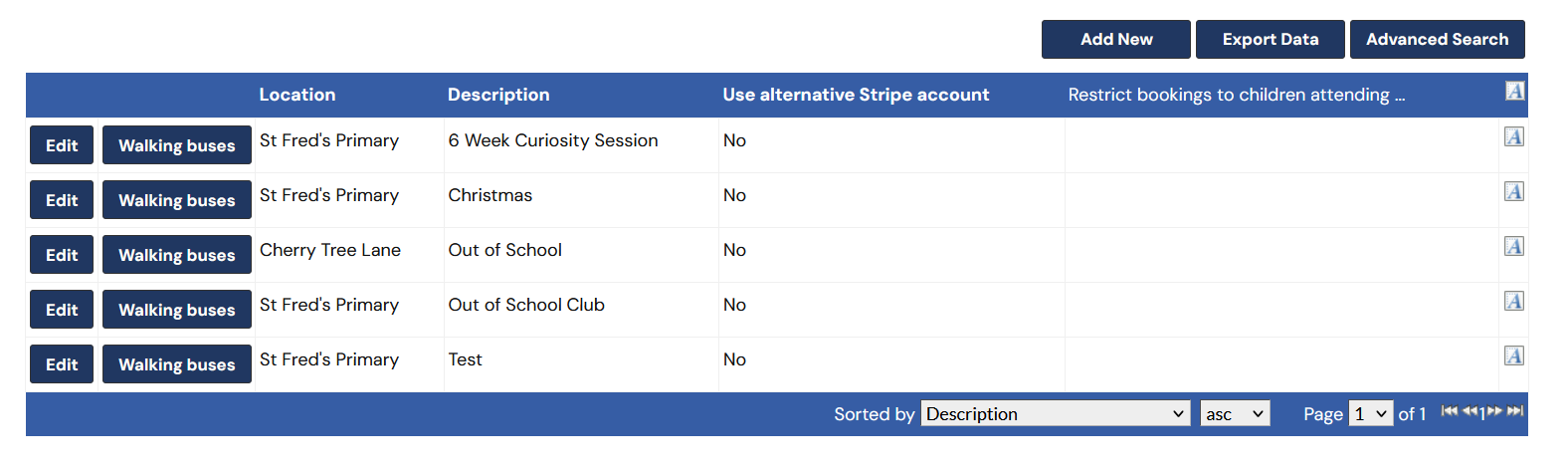
Next, you'll need to add a Club (Set-ups >> Clubs) next to club you'll find the Walking Bus button.
Set-up your club and bus round
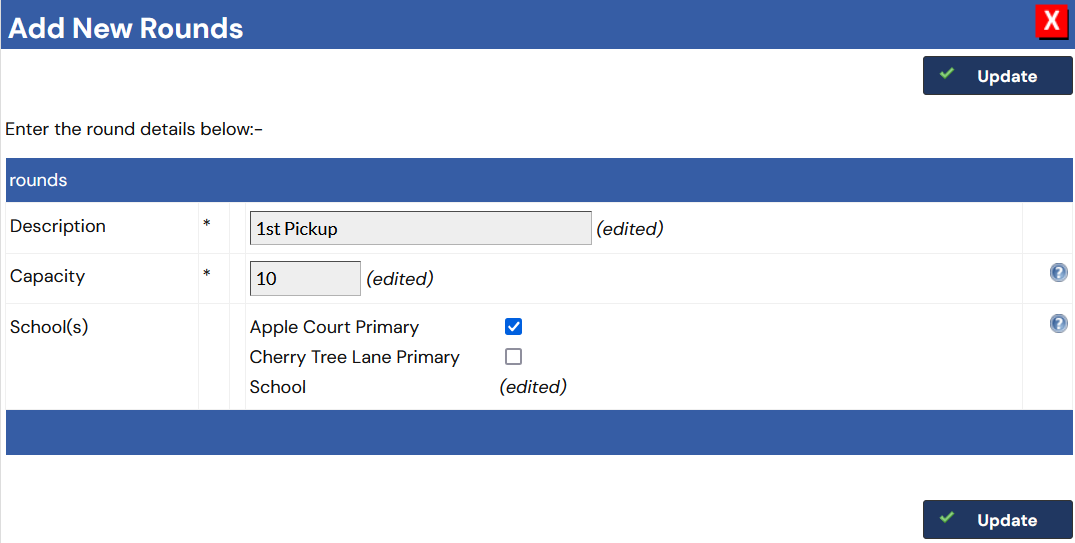
On the Walking Buses section, Add a new round, provide a description and capacity. Then choose a school/s.
You're all set!
When a parent books that club, and the child goes to the school marked in your walking bus setup, they will use a space on the bus and the session. Once the bus is full, the session will show Full to other parents who child attends that school.
Your bus register will also be created for you!
See how CoB could work for your setting
Explore the complete booking and childcare management platform with a free 30-day demo tailored to your provision.
Start Your Free Demo